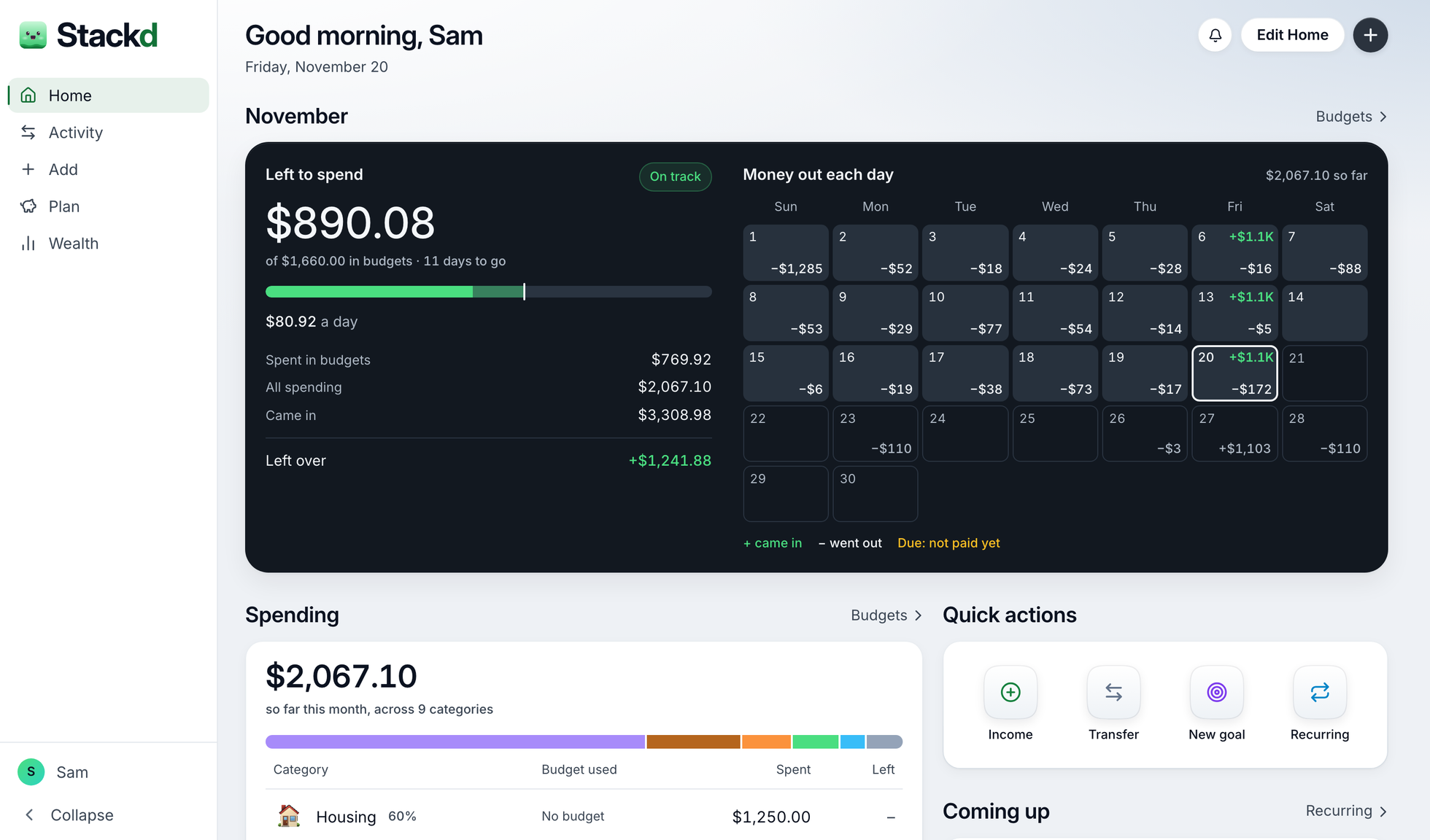
How much can I still spend?
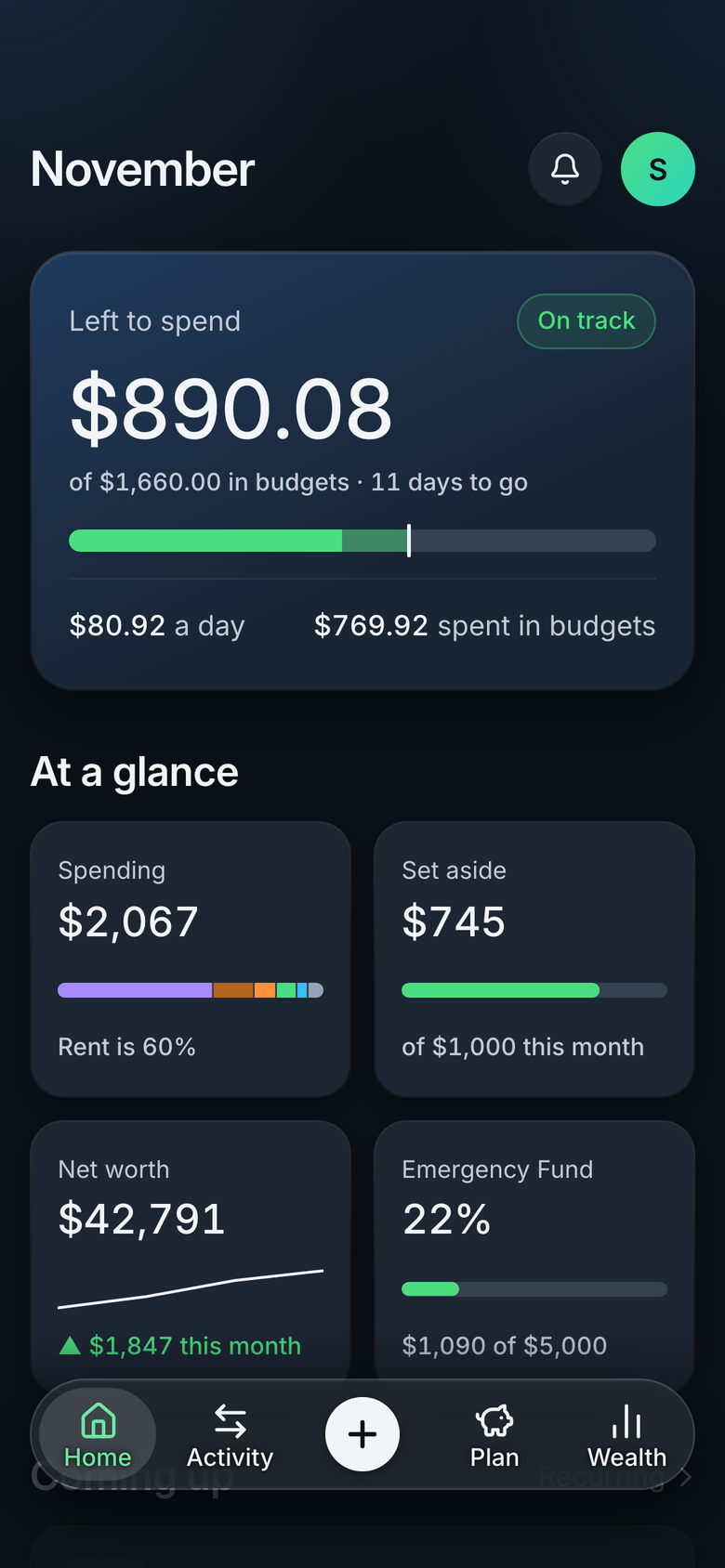
See at a glance if there's room for dinner on Friday. One figure for the rest of the month, and what that means per day.
Updates the moment you log a spend.
 Stackd
Join the waitlist
Know what's left, what's coming and what's growing.
Only launch news. Unsubscribe any time. Privacy notice

Sound familiar?
See at a glance if there's room for dinner on Friday. One figure for the rest of the month, and what that means per day.
Updates the moment you log a spend.
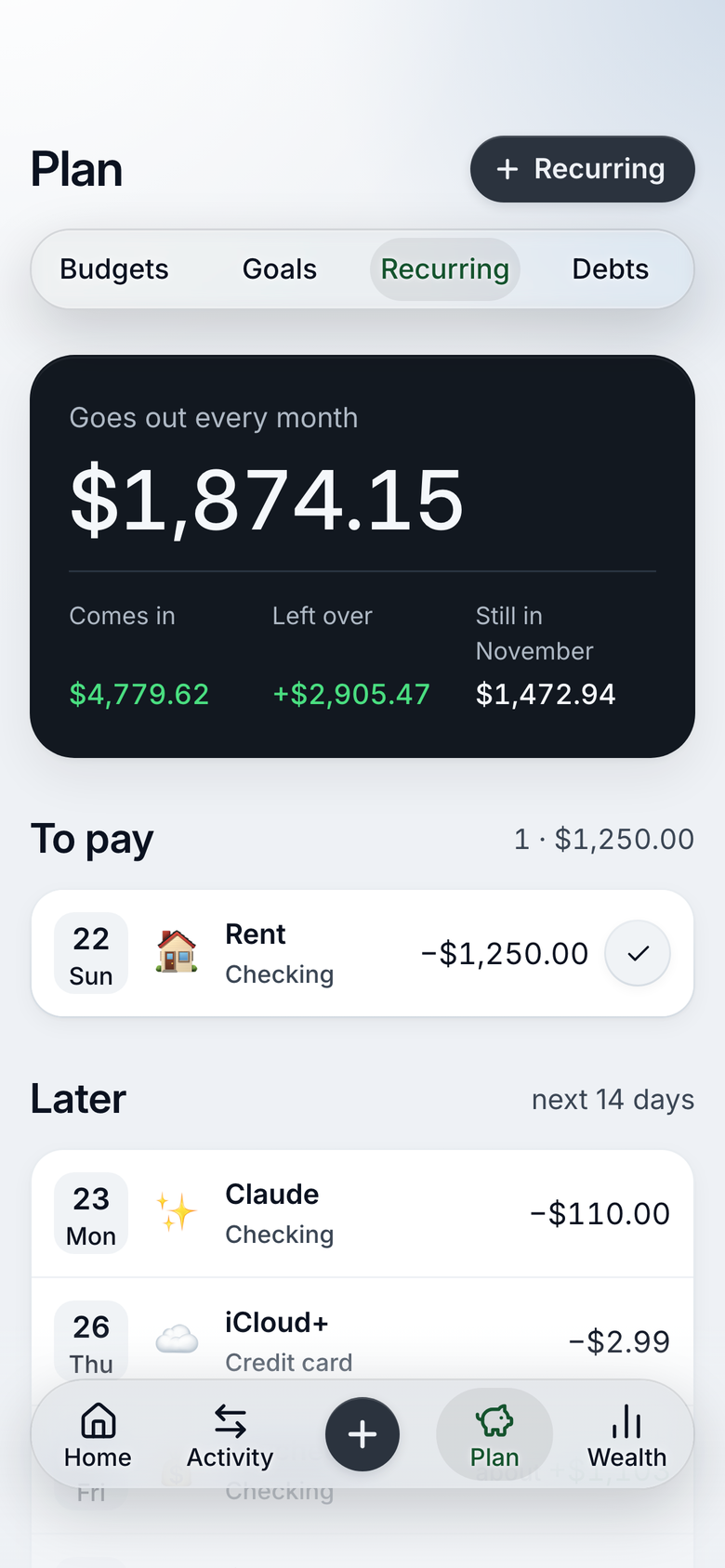
No more surprises at the start of the month. Bills and pay show up before they land, in the order they come.
Anything unpaid stays in view until it's paid.
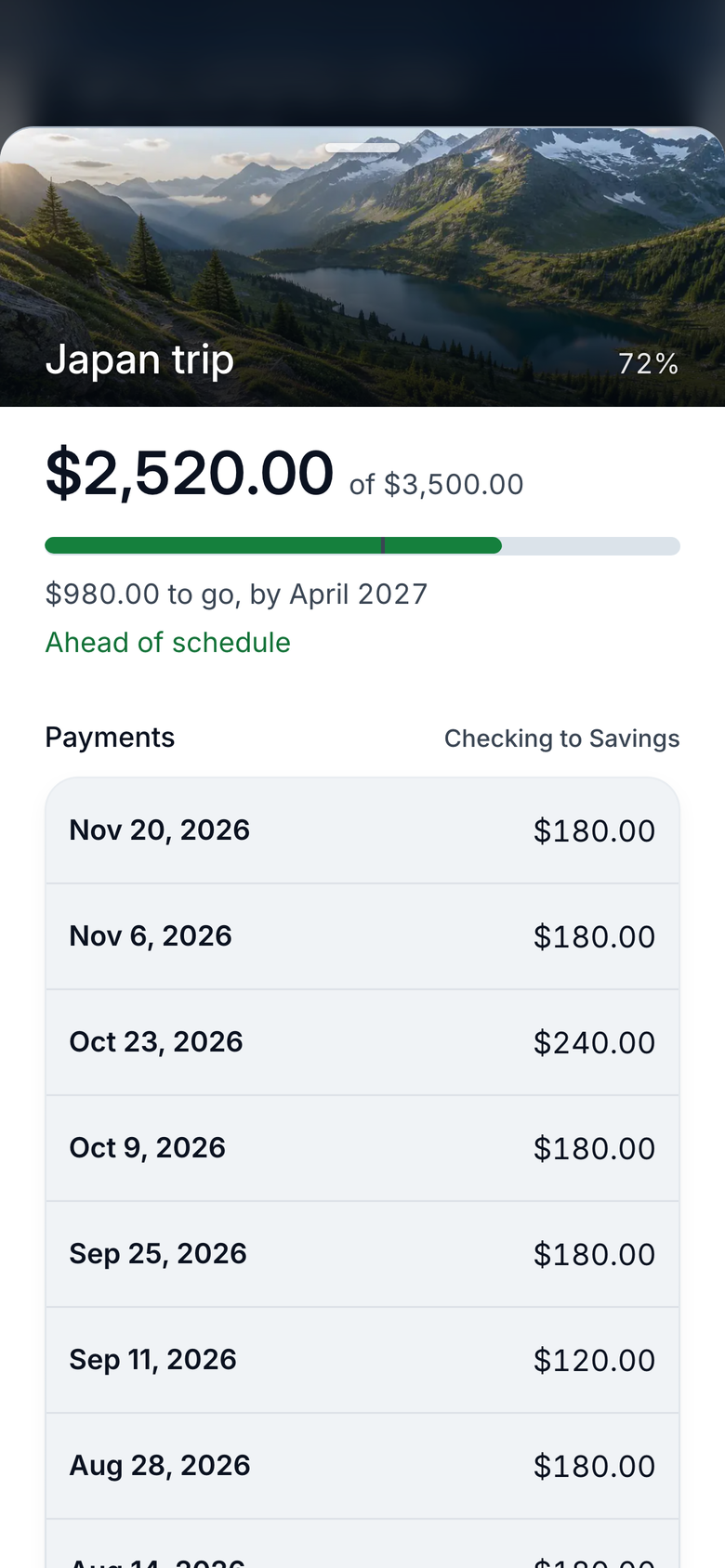
Watch every bit you set aside move a goal forward. Even the small amounts show, and they add up.
Progress only counts money that really moved.
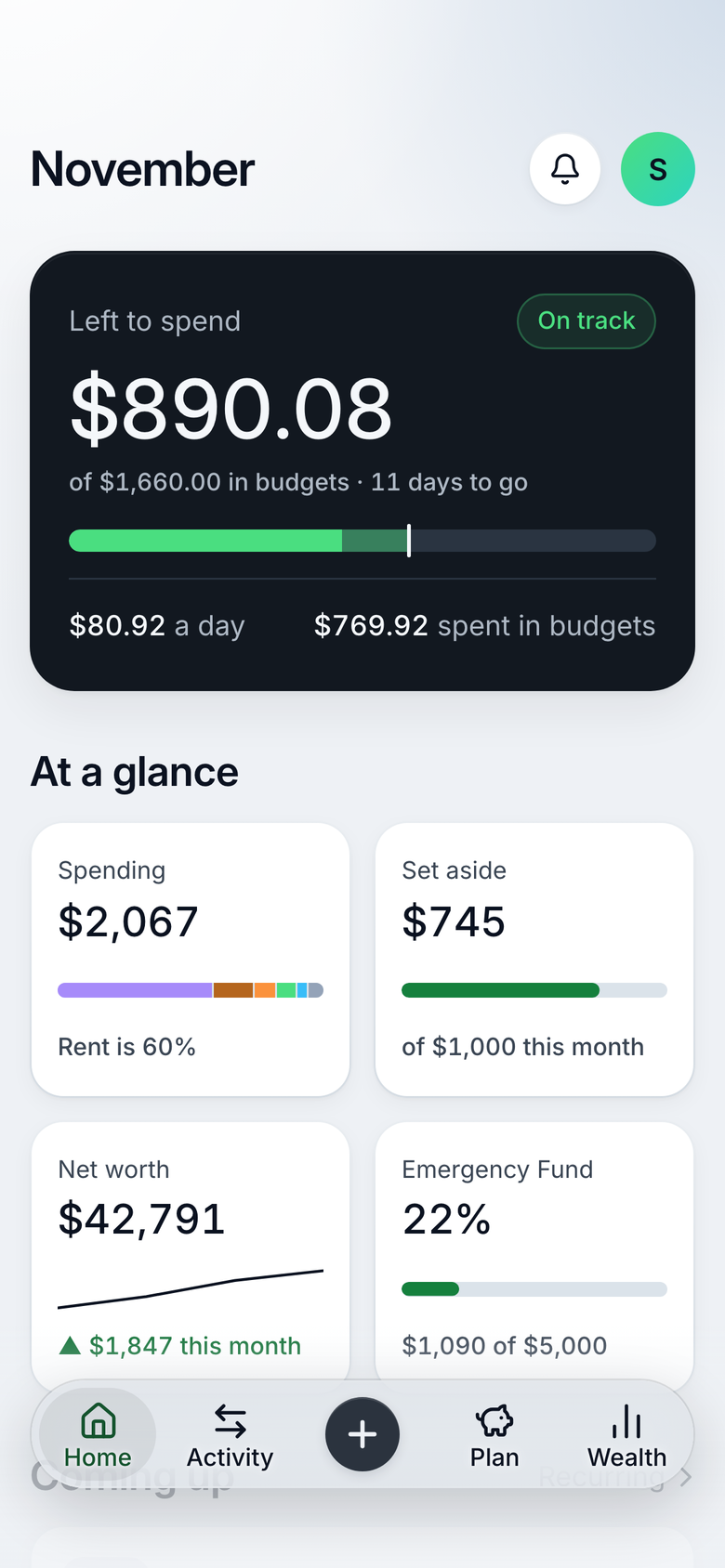
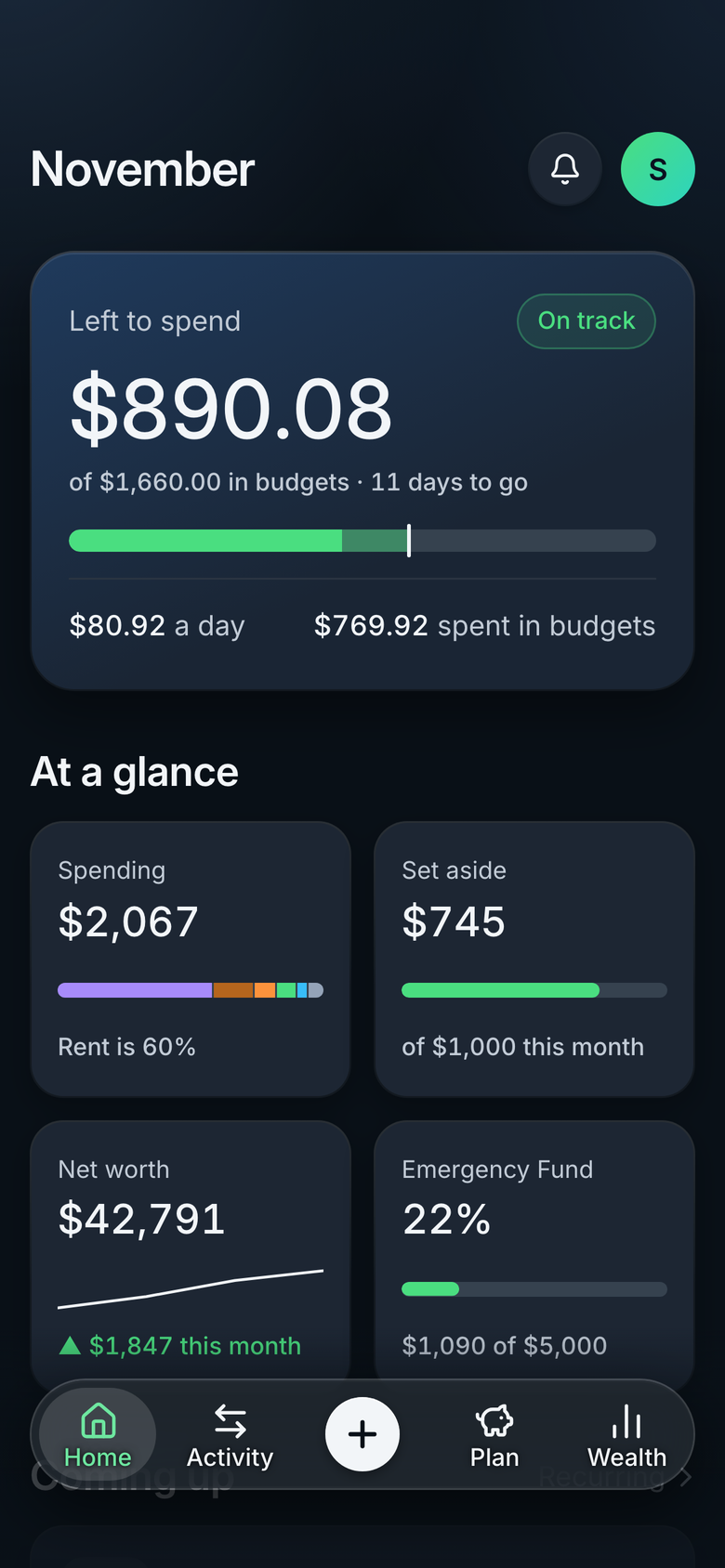
What you need most is right on your Home screen. The rest is one tap away.
See at a glance if there's room for dinner on Friday. One figure for the rest of the month, and what that means per day.
Updates the moment you log a spend.
No more surprises at the start of the month. Bills and pay show up before they land, in the order they come.
Anything unpaid stays in view until it's paid.
Watch every bit you set aside move a goal forward. Even the small amounts show, and they add up.
Progress only counts money that really moved.
Logging takes seconds, check-ins come when you choose, and the full picture is there whenever you want it.
Type the amount, tap a category, done. Left to spend updates straight away.
Every evening, once a week or on payday. You pick the moment, and Stackd sends a gentle reminder.
Every screen, made for the bigger view. Details open beside their lists, and the whole month fits at a glance.
See what's included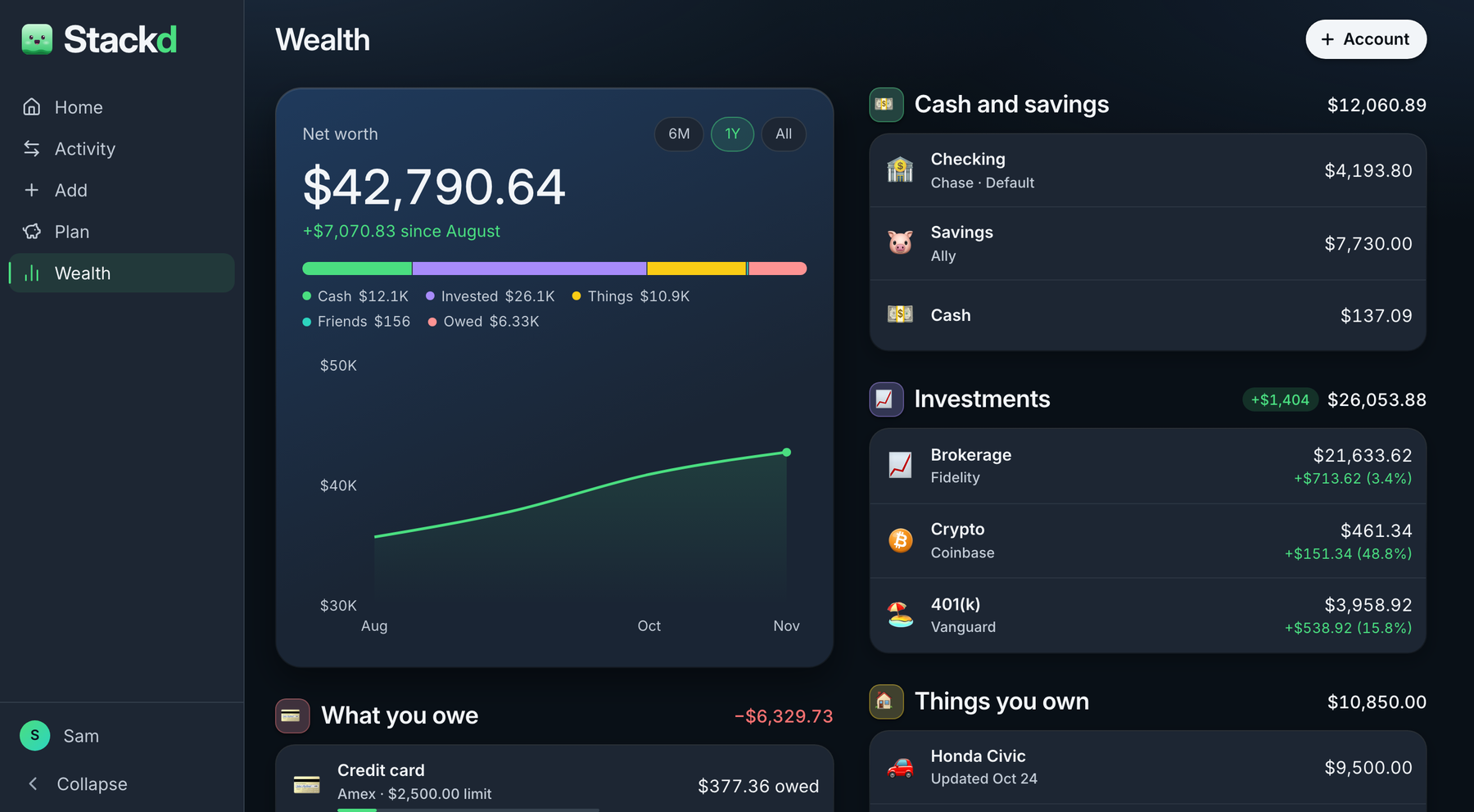
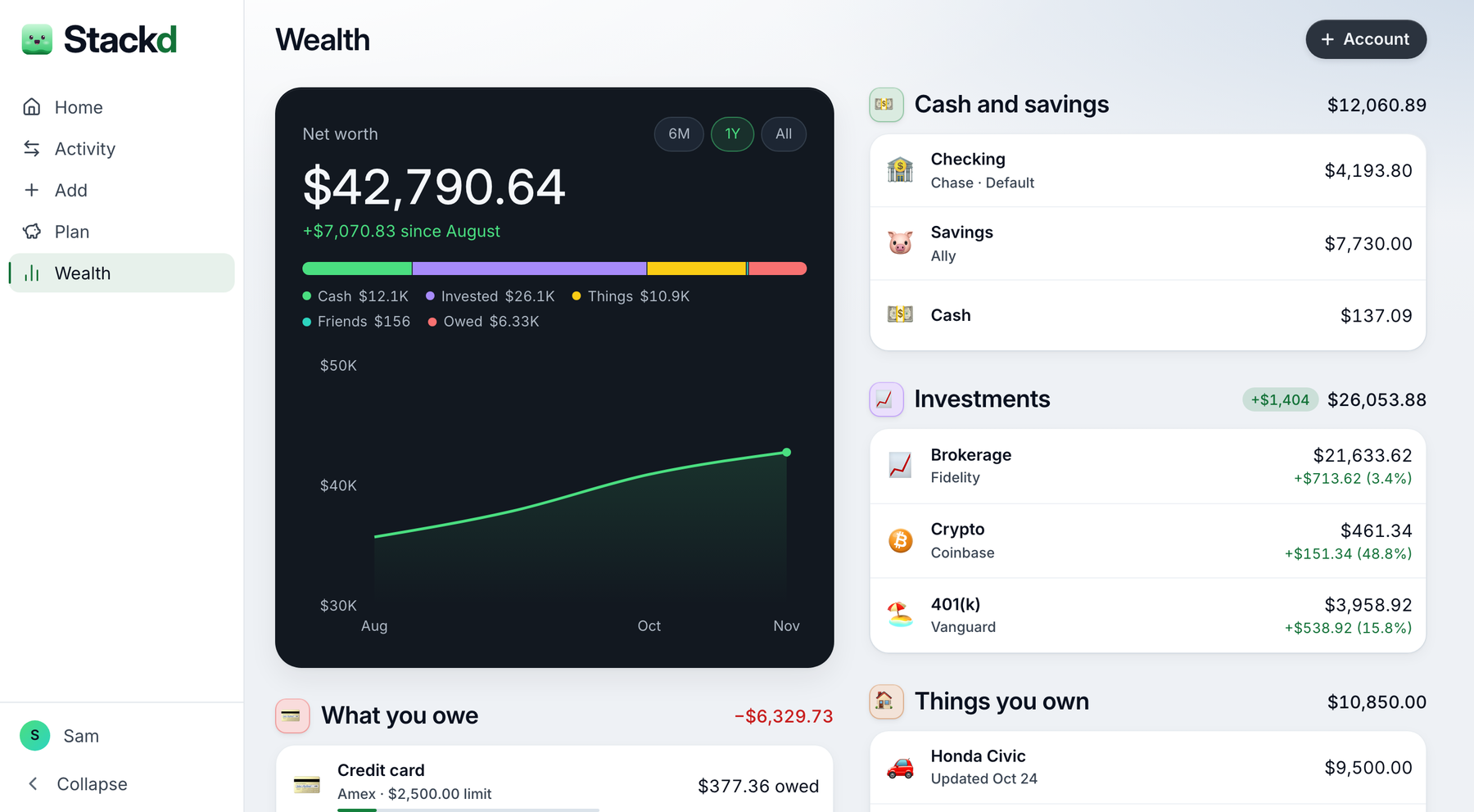
Also in Stackd: goals with photos, recurring costs and pay, accounts and cards, investments and crypto, any currency, light and dark.
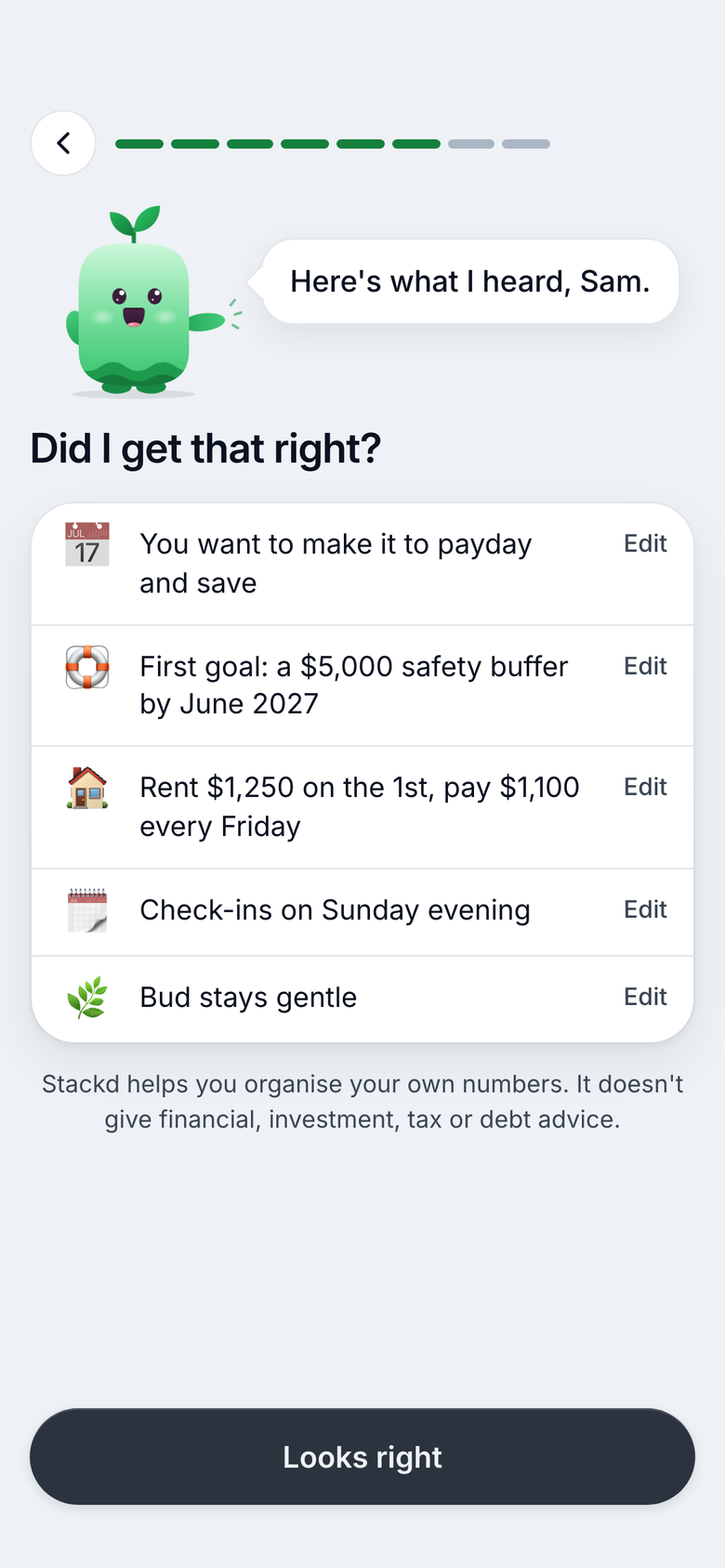
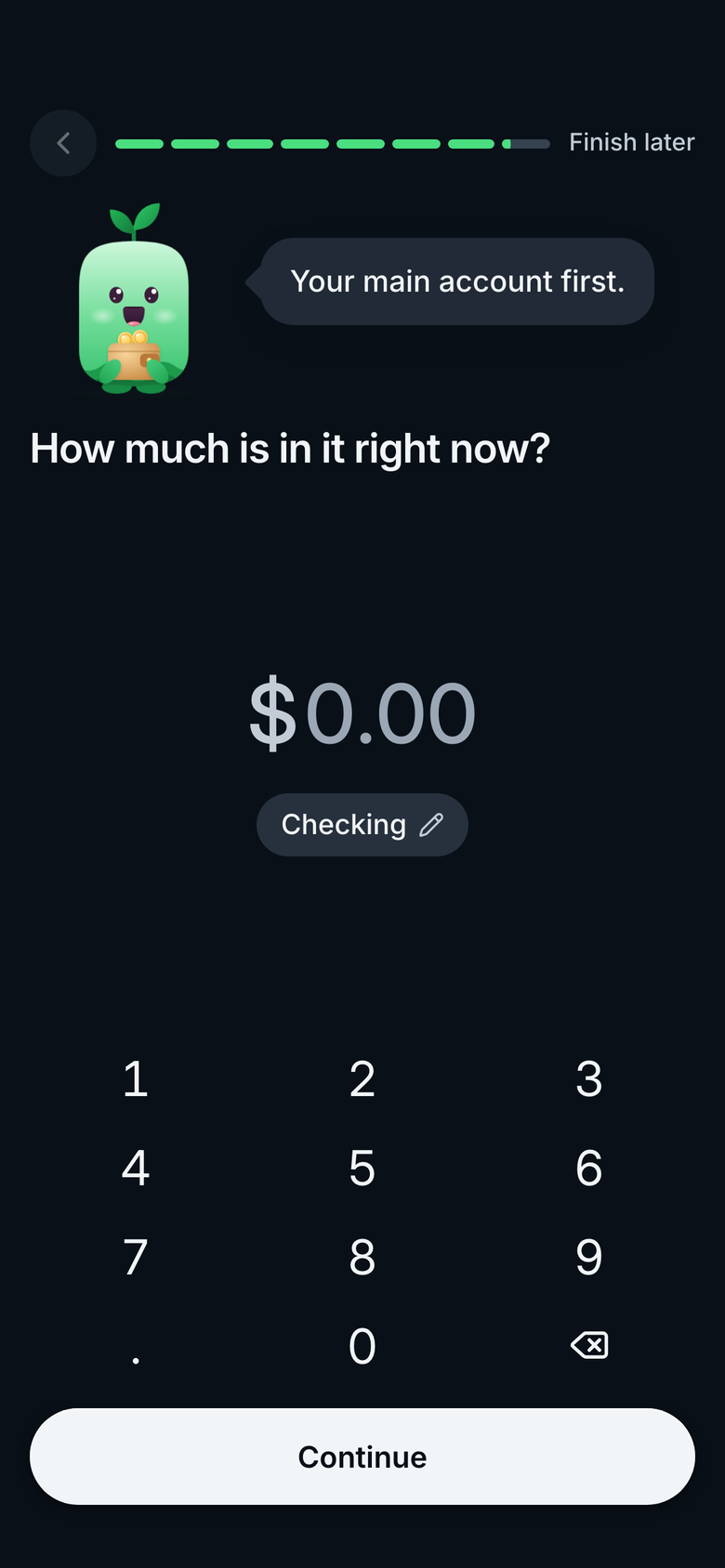
One at a time, and you can skip any.
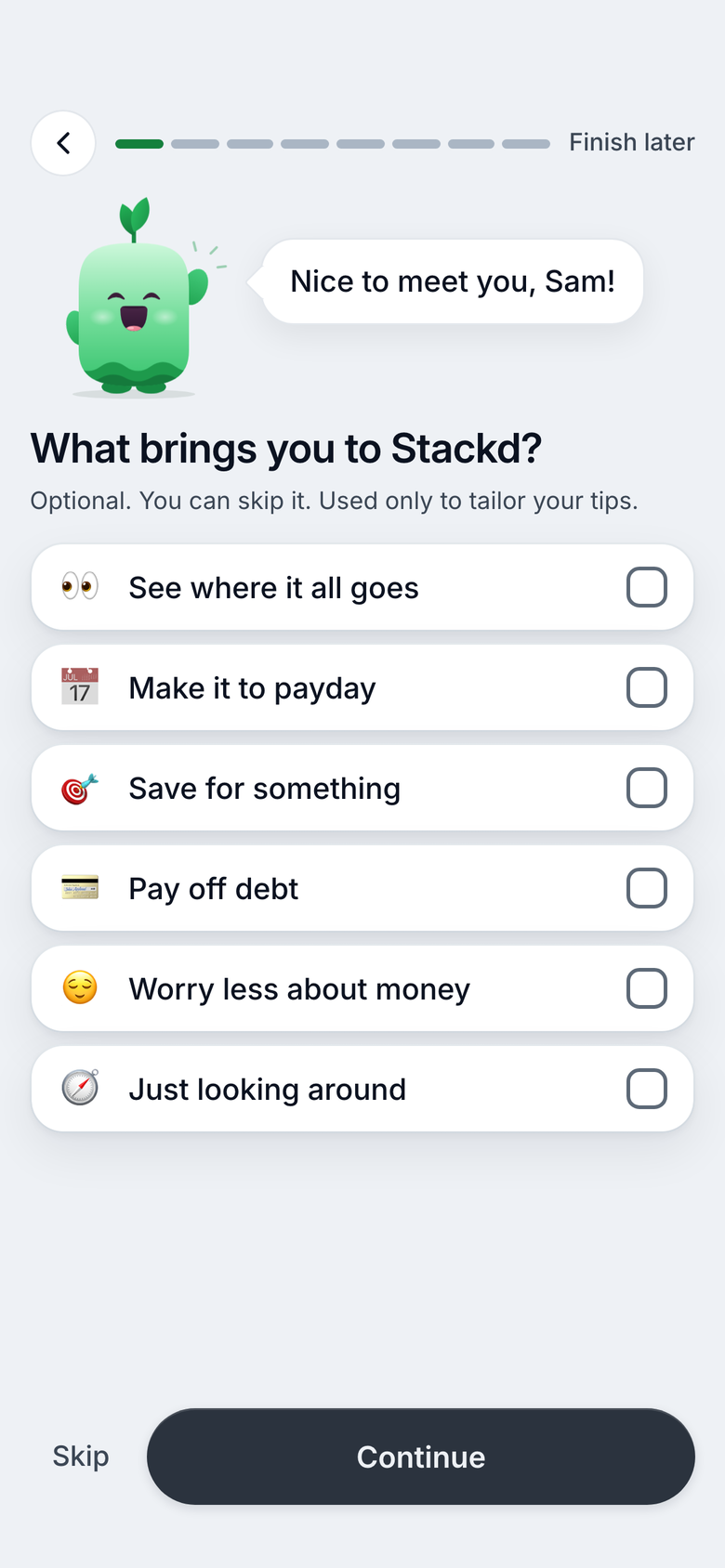
Your pay, bills and a first goal, from your answers.
Add your accounts with today's balances.
Stackd is paid for by the people who use it, not by advertisers. So your figures stay yours, and there is nothing to sell.
How we keep it privatePlain figures, no guilt, and a little help from Bud when you want it.
He checks in when you choose, in the voice you like, then gets out of the way. No judging, just a cheer for every small step.
Try everything free for 30 days, then pick how you pay.
Something else on your mind? Write to us, a real person answers.
A calm money app. You note what you spend, what's coming up and what you set aside, and your Home screen shows what's left to spend this month, what's due next and how your goals are doing. No charts to decode, no guilt.
No. You type things in, and a spend takes a few seconds. Typing it yourself keeps you aware of where your money goes, and Stackd never asks for your bank login.
At launch, Stackd runs in your browser on any phone, tablet or computer, in light or dark. Apps for the App Store and Google Play come later, and the same account works everywhere.
Soon. Join the waitlist and you'll hear the day it opens.
Free for 30 days, no card needed. Then €5.99 a month, or €44.99 a year, which comes to €3.75 a month. VAT included. There's one plan, with everything in it.
Nothing is charged: you never gave us a card. We remind you a few days before the month ends. If you don't pick a plan, Stackd turns read-only. Everything you entered stays, and you can still look at it and export it.
Yes. On the web you cancel in Settings; in the apps, through the App Store or Google Play. You keep everything until the end of the period you paid for.
Your data is stored in the EU, in Frankfurt, and encrypted on the way to our servers and while it's stored. Each account can only read its own data.
Never. Stackd is paid for by the people who use it, so there's nothing to sell. No ads, and no trackers in the app.
Yes, any time, in Settings. Export gives you a file with everything you entered. Deleting your account removes it from our database straight away.
Short for buddy. He checks in when you choose, in the voice you like: gentle, cheeky or short. No judging, just a cheer for every small step.
Yes. Stackd works with 19 currencies, including the euro, the pound and the dollar. You pick yours when you start.
No. Stackd shows the figures you enter, plainly. It doesn't recommend products or tell you what to do with your money.
Join the waitlist and we'll email you the day it opens.
Only launch news. Unsubscribe any time. Privacy notice